Web app for business: what it is and when it beats off-the-shelf software
A web app is a program that runs in a browser: there's nothing to install, you just open a link and log in. From the outside it looks like a website, but inside it's a working tool: a CRM, a customer account, order tracking, price calculation, a dispatch center.
In Kazakhstan, people search Google for «веб приложение» ("web app") about 110 times a month and for «разработка по» ("software development") about 140 times (Google Ads data, November 2026). Let's look at how a web app differs from a website and when a business needs its own software.
Website, web app and mobile app
| Website | Web app | Mobile app | |
|---|---|---|---|
| Purpose | to tell people about you and get a request | to do the work: manage orders, clients and records | to be on the customer's phone |
| Who uses it | all visitors | staff and customers after logging in | customers who downloaded it |
| Installation | not needed | not needed | through the App Store or Google Play |
| Where it works | on any device | on any device | on a phone |
What tasks it handles
- Customer account: orders, invoices, shipment status, reordering.
- A CRM built around your process: inquiries, stages, reminders, WhatsApp.
- Tracking and dispatch: machinery, shifts, sites, staff.
- Price calculation and proposals: the manager enters the specifications and gets a proposal right away.
- Reports for management: sales, stock levels and workload in one place.
Off-the-shelf software or your own
Off-the-shelf software works when your process is similar to those of thousands of other companies. You need your own when:
- You have to adapt to the off-the-shelf software: unnecessary fields, workarounds, spreadsheets on the side.
- You need to connect sales, the warehouse, production and machinery in one system.
- You pay for lots of ready-made services that aren't connected to each other.
- Your staff need simple software in Russian and Kazakh.
A web app grows with your business: new sections are added when the need for them arises.
An example from our work
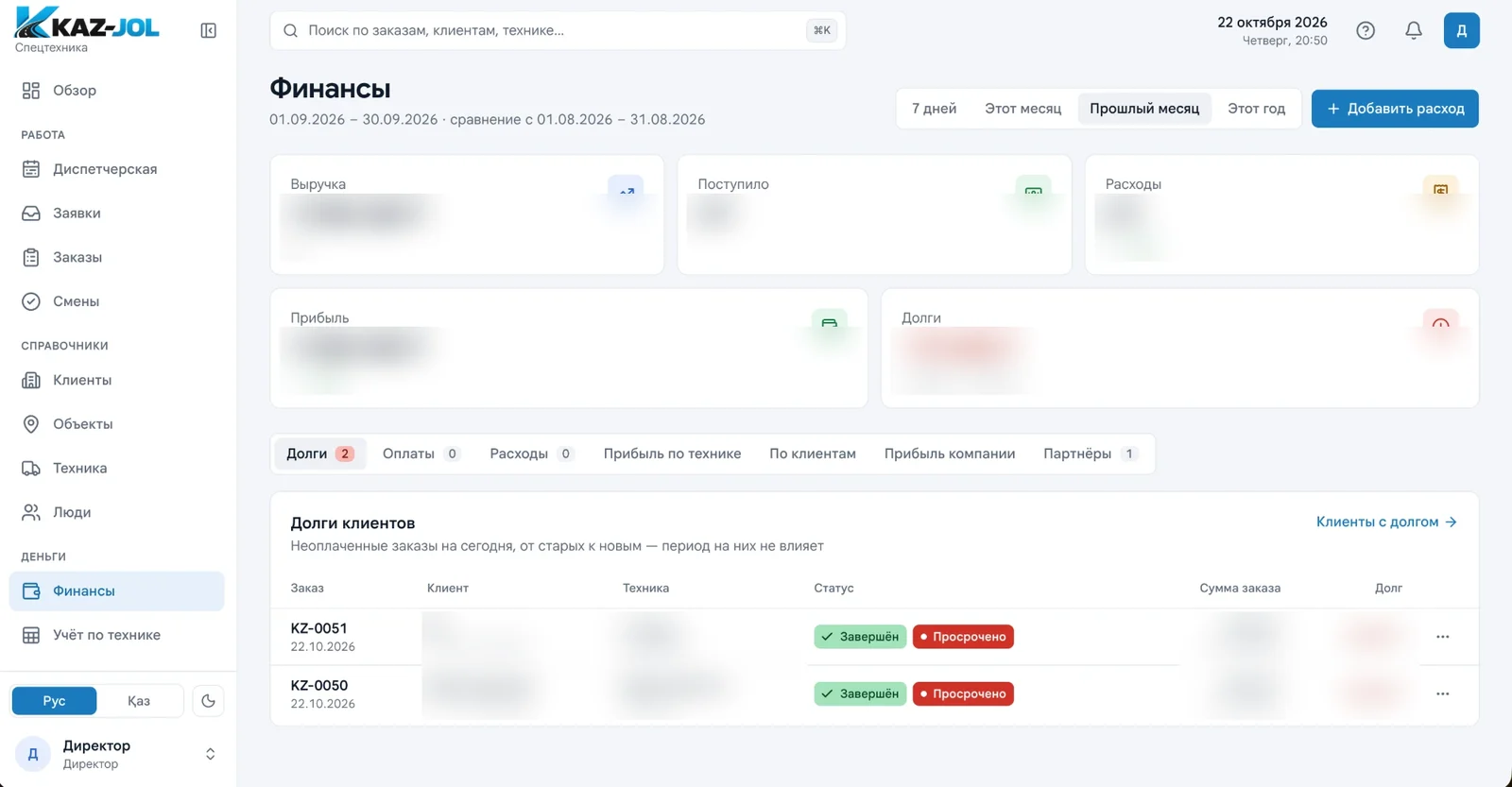
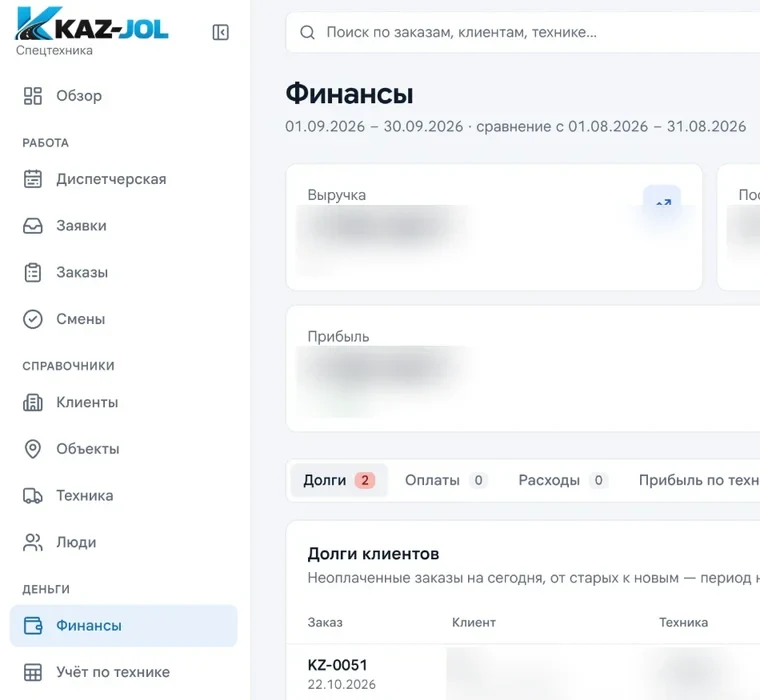
For KAZ-JOL, a heavy machinery company in Almaty, we built a CRM platform: dispatch, requests, orders and shifts in one system; clients, sites, machinery and staff in directories; and finances and tracking for every single machine. The platform works in Russian and Kazakh, and you can open its demo account and take a look.
A CRM platform for the company
- Dispatch, requests, orders and shifts in one system
- Clients, sites, machinery and staff in one directory
- Finances and accounting for every machine, in Russian and Kazakh
Amounts and client data in the screenshot are hidden.
We build systems like this as part of custom platform development, from the first version to ongoing support.
Frequently asked questions
A website tells people about your company and collects requests. A web app is a working tool where staff and customers get things done after logging in.
Yes, in the phone's browser. You can add it to your Home Screen, and it will open like a regular app.
A first version with the main features is usually built in a few weeks, and then the system is developed step by step.
Yes. The system is usually connected to 1C, WhatsApp, payments and the warehouse, so data doesn't have to be entered twice.
Let's discuss your system
We'll look at how your business works and suggest a web app that gets rid of spreadsheets and manual work. Leave a request below, and we'll show you the demo account and explain how it would work for you.